Movies, TV, and Music
Keep your movies, shows, and music in separate libraries. A library can gather files from several folders, and you can make as many libraries as you like, say one for the kids and one for everyone else.
Self-hosted · Movies, TV & Music
Obelo finds the movies, shows, and music you already have, sorts them into a library with artwork and descriptions, and plays them on your TV, phone, tablet, or laptop. It runs on a computer in your home, so nobody else is keeping track of what you watch.
What it does
Point Obelo at the folder where your files live, open it in a browser, and press play. Here is what happens in between.
Keep your movies, shows, and music in separate libraries. A library can gather files from several folders, and you can make as many libraries as you like, say one for the kids and one for everyone else.
Obelo works out which movie, episode, or song each file is from its name and folder, and from the tags already inside your music files. It doesn't need the internet to do that, so your library keeps working when your connection is down.
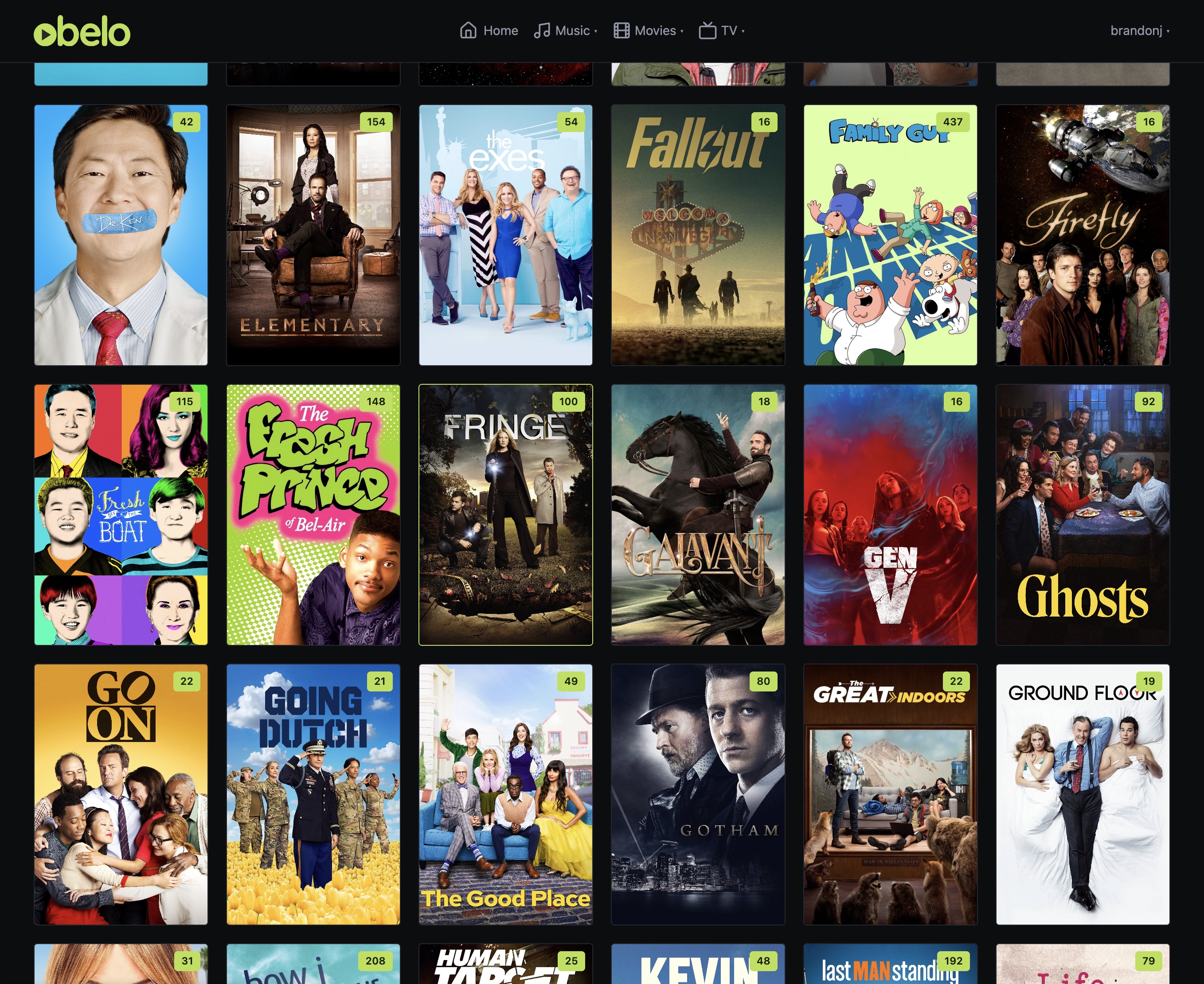
If you want, Obelo can fetch posters, backdrops, cast lists, plot summaries, artist photos, and biographies from public sources, so your library looks like a real streaming service. It stays off until you turn it on.
Obelo sends the original file when the device can handle it, and converts it on the fly when it can't, or when the Wi-Fi is struggling. You can set quality limits to suit your network and the screens you own.
If your computer has a graphics card, Obelo can use it to convert video, which is far faster and leaves the rest of the machine free. NVIDIA, Intel, AMD, and Apple graphics all work, and the admin page shows you how hard it is working at any moment.
Everyone in the house gets their own profile, and switching between them is quick, like the big streaming services. Each person has their own Continue Watching row and their own place in every show. Choose which libraries each person can see, and set content ratings for the kids.
Subtitles built into the video, subtitle files sitting next to it, and subtitles downloaded when you ask for them all show up in the same menu. Pick a language and they appear.
Obelo looks for new files on a schedule, or whenever you ask. If a drive is unplugged or a network share is down, the titles on it are simply hidden until it comes back. Nothing is deleted from your library, and everything returns on the next scan.
Obelo doesn't report back to anyone. There is no usage tracking, no account with a company, and nothing leaves your home unless you switch on artwork lookups or add a plugin yourself. Even then, you are the one who decided.
Plugins are add-ons that connect Obelo to things outside it, like a subtitle source, a Discord channel, or your own sign-in system. Add the ones you want and skip the rest. How plugins work.
If a friend runs Obelo too, you can lend them some of your libraries and borrow some of theirs. You send one invite, they accept it, and your libraries show up in their apps next to their own, labelled with your name.
Nothing passes through a company in the middle, and neither of you has to sign up for anything. How sharing works.
How it works
Obelo is a single program. Run it with Docker, or directly on a Linux or Mac machine, and it brings its own web interface along. The only other thing it needs is ffmpeg, the free tool that handles video conversion.
In the web interface, make a library for your movies, another for shows, another for music, and tell each one which folders to look in. Obelo only reads your files. It never moves, renames, or changes them.
Open it in any browser, or sign in on your TV, phone, or tablet. Pause on the couch and pick up in bed, right where you left off.
Apps
Every Obelo comes with a web app, so you can start watching from any browser straight away. Apps for Apple TV, iPhone, and iPad are on the way.
Built into Obelo itself, so there is nothing extra to install and it is always the matching version.
A proper app for the big screen, designed for the couch first, with iPhone and iPad sharing the same player.
Sharing
Two households, each with its own Obelo, and one lending the other a few libraries. The two servers talk to each other directly. Nobody signs up for anything, and no company sits in the middle.
Choose which libraries to share and what limits to set, then send one invite. Nothing is shared until your friend accepts, and nothing beyond what you ticked ever will be.
Their libraries show up next to your own in every app, and work just like everything else in the house.
You make a one-time code, or a QR code to scan, and send it however you like. It works once, expires after a day, and can never be used to log in to your server.
Only the two servers talk to each other, and only one of them needs to be reachable. Your phones, tablets, and TVs stay out of it. If you use Tailscale, nothing has to be opened up to the internet at all.
If you stop sharing, it stops right away. If your friend removes the link, your libraries vanish from their side entirely. Neither house can see who in the other one pressed play, only that something is playing.
Setting up a link takes a few minutes on each side. The step-by-step guide, including the Tailscale parts, is in the wiki: Linked Servers.
Plugins
A plugin is an add-on that connects Obelo to something outside it. You choose which ones to add, and you can take any of them out again.
Plugins are added from the Plugins page in the web app. Some already come with Obelo, and you can add more whenever you like.
Every plugin is one of these kinds. A plugin can't invent a new one.
A plugin runs on its own, with no access to your files and none to the rest of your computer. It can only reach the web addresses it lists up front. A sign-in plugin can also reach the one directory server address you typed in, and nothing else.
The Obelo project doesn't run a plugin catalog and doesn't recommend one. If you want a catalog, you add it yourself. If you pin a publisher's key, Obelo will only install plugins that publisher signed.
The artwork and details sources, OpenSubtitles, and OIDC sign-in that come with Obelo are plugins themselves. You can remove any of them, and put the shipped version back later.
Want to write one? The developer guide, with a Go SDK and a working Discord plugin to learn from, is on GitHub: Writing a plugin.
Quick start
Give Obelo a folder of its own, show it where your media lives, then open
localhost:8080 in your browser.
# pull the image
docker pull ghcr.io/goozakdev/obelo-server:latest

# run it: Obelo keeps its own files in ./data and only reads your media
docker run --rm -p 8080:8080 \
  -v "$PWD/data":/data \
  -v /path/to/your/media:/media:ro \
ghcr.io/goozakdev/obelo-server:latestNobody gets in without an account. The first time Obelo starts, it prints a one-time setup code in its log. The setup screen asks for that code, you create the admin account, and the setup screen goes away for good.
Prefer to build it yourself? You need Go 1.25 or newer, Node 22 or newer, and ffmpeg. Then run make build.
Obelo can get its own HTTPS certificate from Let's Encrypt automatically, sit behind a proxy you already run, or join your Tailscale network so you can reach it from anywhere without opening anything up to the internet.
Start Docker with --network host and the Apple apps find your Obelo on the home network by themselves, so nobody has to type in an address.
Artwork and details
Fetching posters and details is optional and off until you turn it on. When you do, this is where it all comes from. These sources are plugins that ship with Obelo, and you can remove any of them.
Obelo is not endorsed by or affiliated with any of them. This product uses the TMDB API but is not endorsed or certified by TMDB. Music metadata comes from MusicBrainz; additional artwork from fanart.tv, TheAudioDB and the Cover Art Archive. Logos and trademarks are the property of their respective owners.